Android / PDF・Image・OCR / Offline-first
ClarityPDF
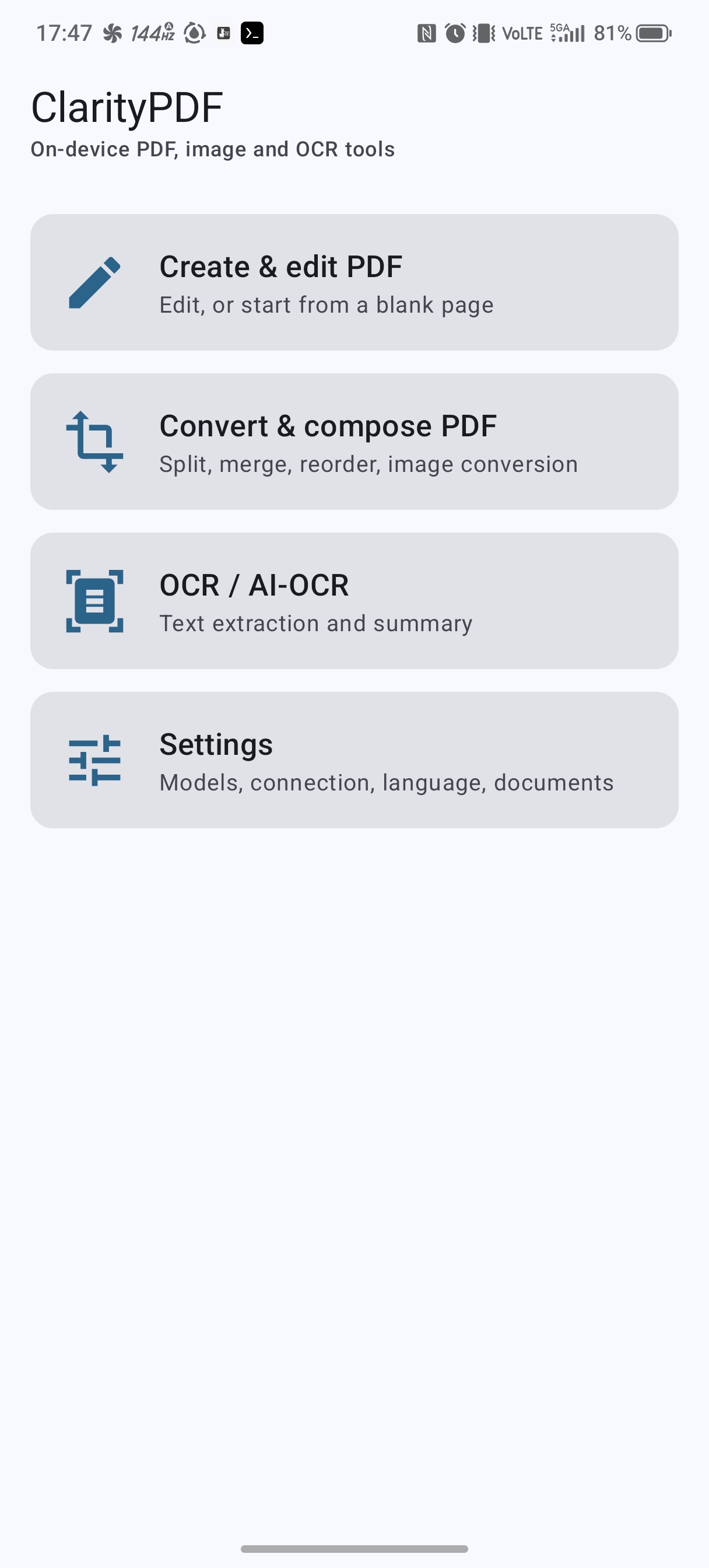
ClarityPDF is an Android app that brings PDF creation and editing, conversion and composition, and OCR / AI-OCR together in one place. Processing completes on the device as a rule; input files are read-only and results are always saved as new files.
Documents: User manual | Privacy policy
- Input is read-only and non-destructive. Every edit or conversion is written out as a new file.
- OCR distinguishes "embedded text" (already in the file) from "OCR" (image recognition), and can export JSON.
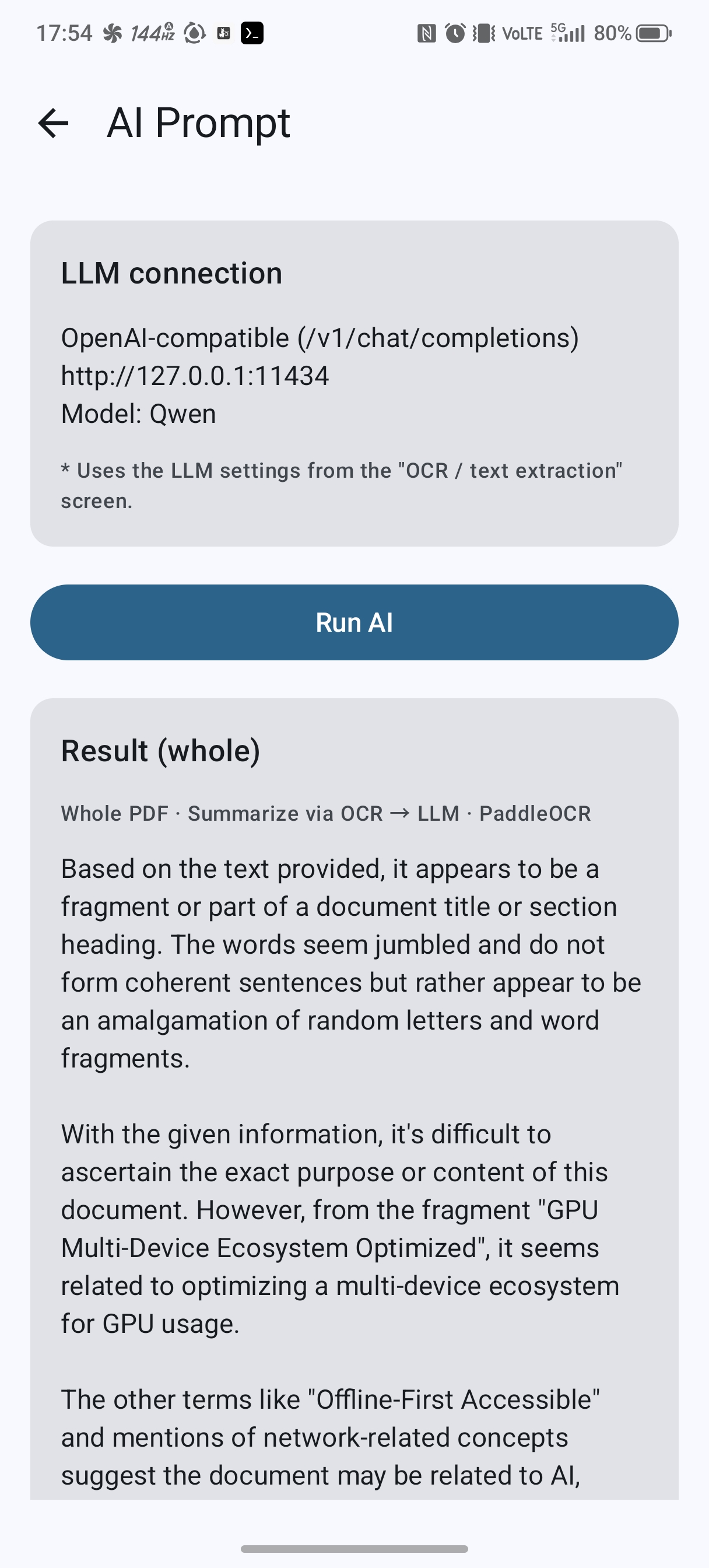
- The LLM connection defaults to on-device
127.0.0.1. Settings include a "Launch LLM API" button and a status tile.
Screenshots
Key features
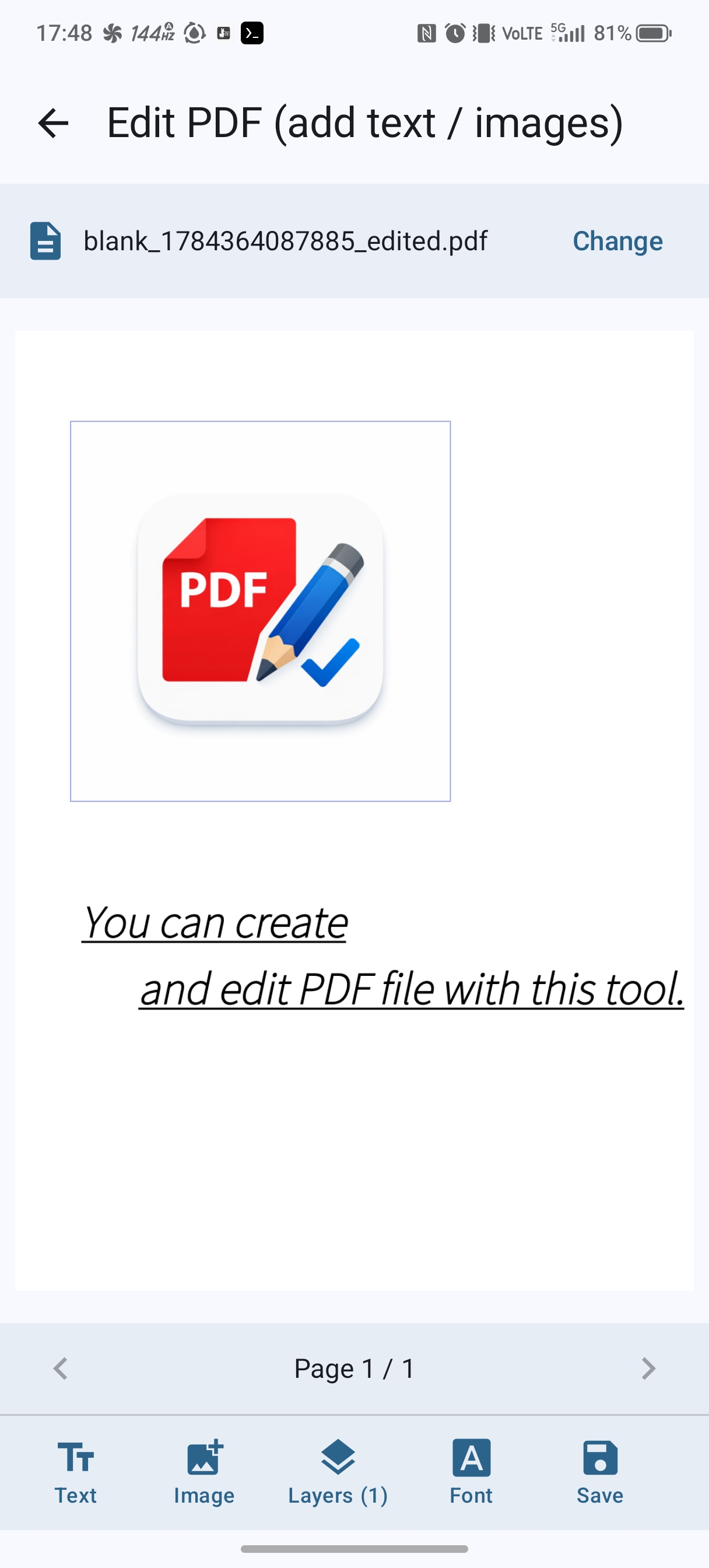
- Edit PDF: add text/images and replace or delete existing text. The canvas stays fixed while you add and edit from floating windows and a toolbox. Bold / italic / underline, rotation, scaling, links (URLs), and font selection (several OFL fonts, per text run) are supported.
- Split (extract pages): combine selected pages into one PDF, or split into one page each.
- Merge: combine several PDFs into one in a chosen order.
- Reorder: drag thumbnails to change the page order.
- PDF to images: convert each page to PNG / JPEG (DPI configurable).
- Images to PDF: combine several images into one PDF in a chosen order.
OCR / AI-OCR
- OCR / text extraction: extract text from PDFs/images. Embedded text and OCR are distinguished and can be exported as JSON. Engines: Tesseract / PaddleOCR / local LLM Vision, with Japanese, English, Simplified Chinese, and Korean recognition.
- PDF summary: summarize the whole file or per page with an LLM. Choose "OCR→LLM" or "Vision (page images sent directly to the LLM)".
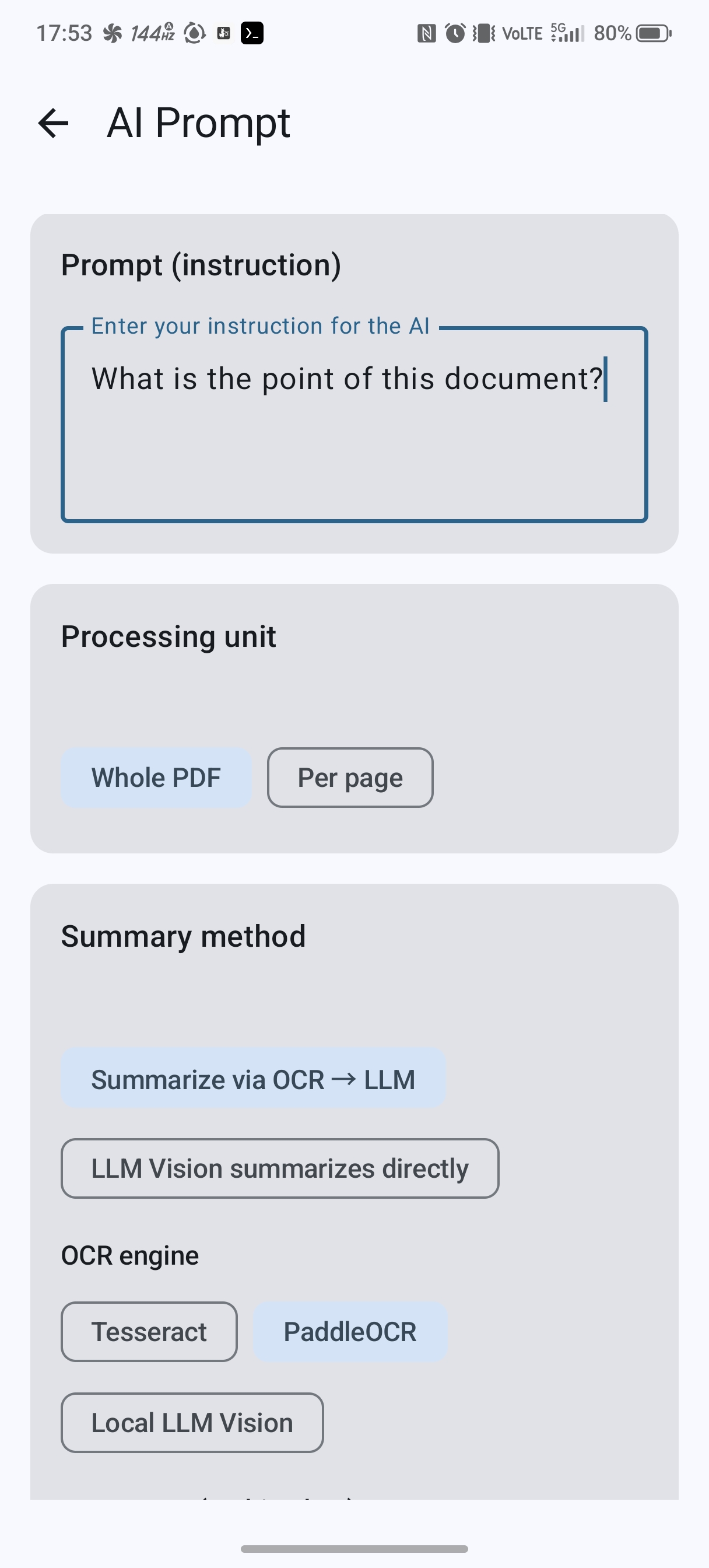
- AI Prompt: enter an arbitrary instruction (prompt) and run it over the whole PDF or per page (OCR→LLM / Vision).
- LLM connection: works with Ollama / OpenAI-compatible servers. Fetch the model list via
/api/tags, test the connection, launch the API, and see its status.
Notes
- Adding/editing text needs an embedded font. Choose from Noto Sans JP / Noto Serif JP / M PLUS Rounded 1c / Zen Kaku Gothic New / Klee One (all SIL OFL), per text run — each downloads once, then used offline.
- The only network use is "the first download of OCR models / fonts" and "sending to the configured server when using an LLM". The default LLM endpoint is on-device
127.0.0.1. - If you configure an external LLM server, page images and extracted text are sent there and handled under that server's policies.